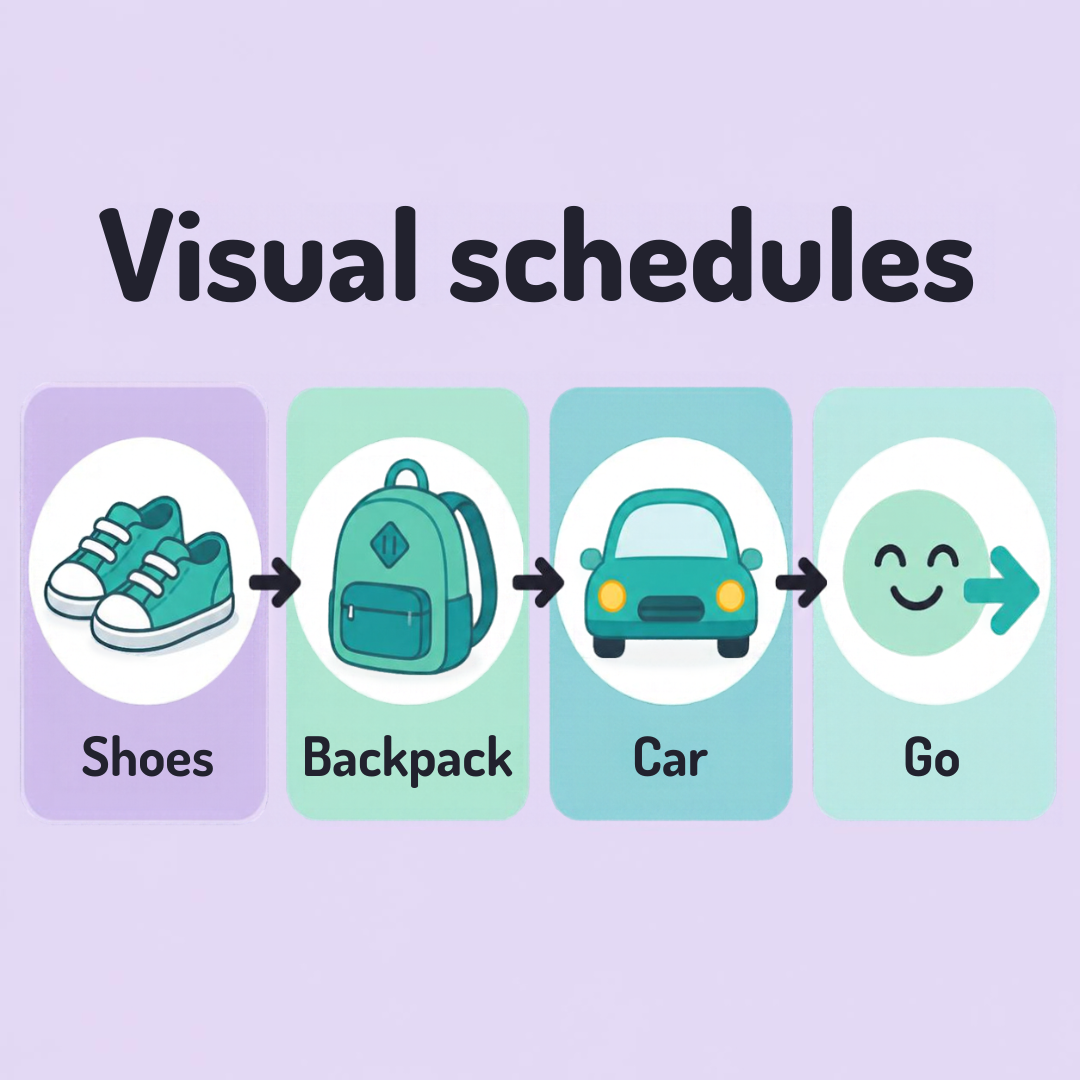
Visual schedules: where to start
A visual schedule uses pictures, photos, or words to show what happens next. Many autistic people, and many kids in general, find it easier to know what’s coming than to keep it in their head.
Start small
Pick one routine, like getting ready in the morning or bedtime. Don’t schedule the whole day yet.
Use three to five steps. For example: shoes, backpack, car.
Use pictures that mean something to your child. Real photos of your own things often work better than clip art.
Keep it flexible
Show it before the routine starts, not in the middle of a hard moment.
Let your child move a card to “done.” It gives them something to do.
Add a “surprise” or “change” card, so a plan change doesn’t feel like a broken rule.
You can also try our free Visual Schedule Maker on the Tools page. Pick a routine, add your own pictures, and let your child tap each step when it’s done.
Apps that can help
Paper works, but an app can be easier to change and carry around. A few to look at:
Choiceworks has picture schedules, a waiting board, and a feelings board. It’s built for kids and is a paid app.
First Then Visual Schedule lets you build schedules from your own photos and pictures. It’s also paid.
Brili Routines turns morning and bedtime routines into a simple, game-like checklist. It has a subscription.
Tiimo is a visual day planner designed with neurodivergent adults in mind. It has a free version and a paid one.
Goblin.tools is free and breaks a big task into small steps. It’s text-based, and it works well for autistic adults and older kids.
Canva isn’t a schedule app, but it works well for making your own. Its free version has templates for charts, cards, and planners, and you can add your own photos, then print and laminate the result. Some features need a paid plan.
Canva and other design tools work well if you want to print your schedule and keep photos off a shared account. Just check the sharing settings so the design stays private.
Prices and features change, so check the current details in the app store before you download. Before you pick one, check what it does with photos and data, especially if you plan to add pictures of your child.
We don’t earn anything if you choose one of these. They’re here because families told us they help. We don’t earn anything if you choose one of these. These are apps that many families and professionals use.
It doesn’t have to be perfect
A few index cards and a strip of tape count. If it doesn’t help, change it or set it aside.
Gentle Compass shares general information only. It isn’t medical, clinical, or legal advice.